
I usually make a tool earn its place before I say a word about it. I test it for months, I try to break it, I wait for the shine to wear off. So it surprised me that this one won me over in about two weeks, and that I have been using it every day since.
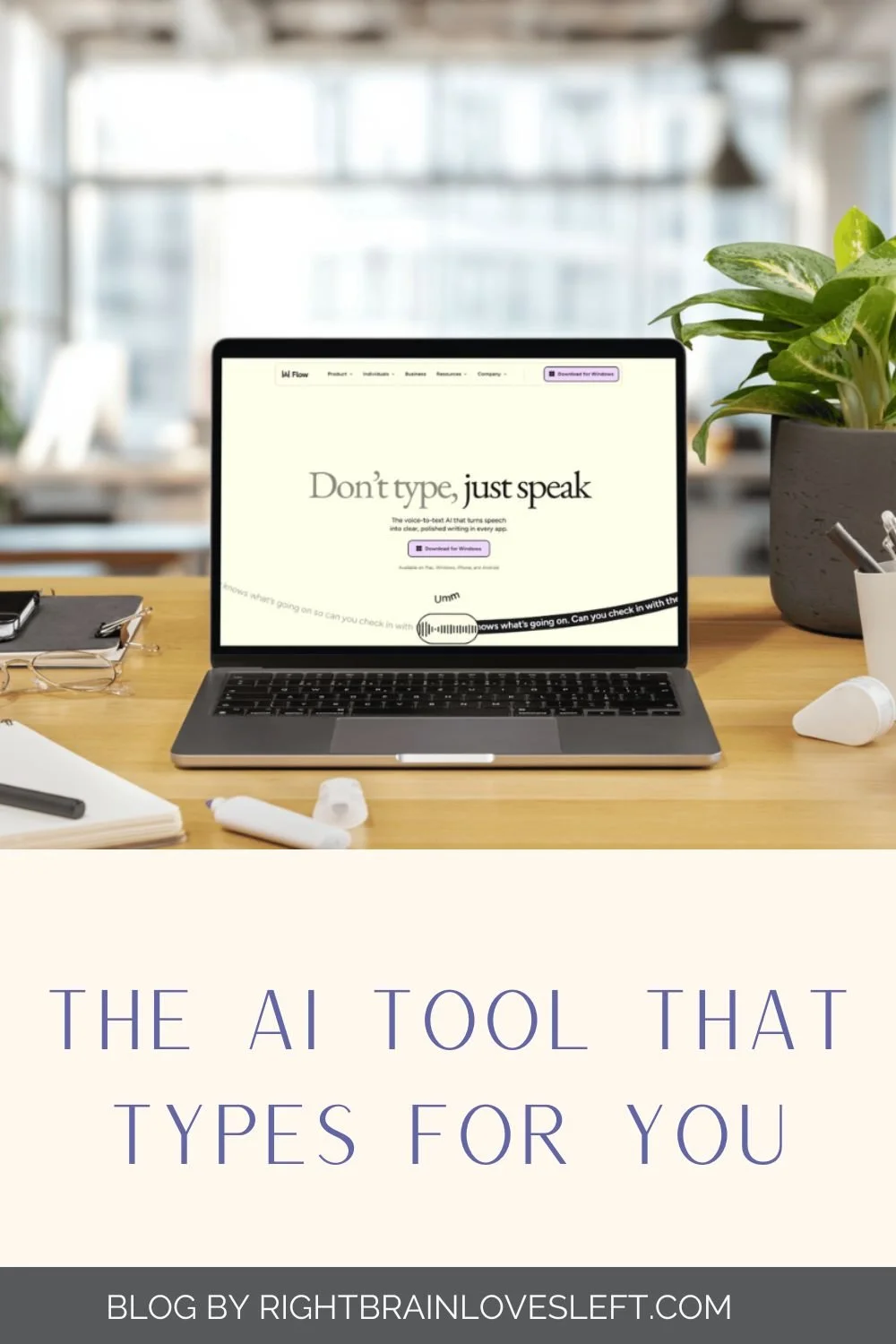
The tool is Wispr Flow, and it is voice-to-text. You talk, and it types, in whatever you happen to have open. I want to walk you through what it actually does, who it helps, and what my first month with it looked like, because if you run a small business, there is a good chance you are spending more of your day at a keyboard than you meant to.
Voice-to-text is not what it used to be
If you tried talking to your computer years ago and gave up, I understand why. The old dictation software made you talk like a robot. You had to say the word "comma" out loud, you had to slow down and over-enunciate, and it still turned your sentences into something you had to fix line by line. It was more work than typing.
That is not what voice-to-text is now. You talk the way you would talk to a person, pauses and tangents and all, and the punctuation gets sorted for you. If you repeat yourself, it drops the repeat. If you trail off and start again, it keeps up. You end with clean text you can read over before it goes anywhere. The gap between "what I said" and "what I meant" has mostly closed, and that is the part that changed everything for me.
Why it works across everything, not one app
Here is the piece that won me over. Wispr Flow is not stuck inside one program. It works everywhere I work, on my desktop and on my phone. I talk, and it types into whatever window I am in, my email, a document, a text message, a caption, a note to myself, a prompt in another tool. One way of working, every window.
That is the difference between a feature buried inside a single app and a tool that follows you through your whole day. Most small business owners are not living in one program. You are bouncing between your inbox, your invoicing, your social captions, your client texts, and a dozen browser tabs. A voice-to-text tool that only works in one of those places solves almost nothing. One that works in all of them quietly changes how the whole day feels.
Saving your hands when you work with them all day
Most of my days have me typing and on my phone, back and forth, and my wrists have let me know about it over the years. For a long time I filed that ache under the price you pay for typing, the kind of thing you just power through.
If your hands are your living in any way, or your work keeps you on a keyboard or a screen for hours, this is the part to lean in for. Talking instead of typing gives your hands a real break during the day. You set the keyboard aside, you say what you need to say, and the words show up on the screen. I am not going to tell you it fixes anything medical, because it does not, and I would not make that claim. What I can tell you is that my hands get more rest than they used to, and after long stretches at the desk, that is worth a lot to me.
The time you get back
Here is the part that is easy to measure. Most people speak far faster than they type. Wispr Flow sends a little recap each month, and in June it clocked me at 129 words a minute, about 89 words a minute faster than the average person types. That is the whole case in one number. In the same minute, I can say a lot more than I can spell out with my fingers.
There is a second thing I did not expect. When I type, I cut corners, because typing is slow and my brain gets ahead of my hands. When I talk, I say the whole thought. So the ideas come out fuller, and they come out faster, and I am not sitting there trimming myself down to save keystrokes. For anyone who writes their own emails, captions, proposals, and client notes, that adds up over a week.
My honest Wispr Flow review
I will show you mine, since I would not point you toward something I was not using myself. In June I spoke 92,813 words through Wispr Flow, which put me in the top 0.3% of all users. That is not me trying to impress you. It is me telling you that I use this thing constantly, in the real work of running a business, and it has held up.
Is it perfect? No tool is. You still read things over before they go. Names and unusual words sometimes need a quick fix. And if you are someone who thinks best in silence, talking your work out loud takes a little getting used to. For me, the trade was easy. I gave up a short adjustment period and got back time, cleaner first drafts, and hands that are not as tired at the end of the day.
If you want to try it, you can use it free for a month, which is double the usual trial, and you do not have to put in a credit card to start. If it is not for you, you walk away, no harm done. Here is the link:wisprflow.ai/r?REGINA303
One honest note, because that is how I do things around here. That is my referral link, so if you sign up and stick with it, I get a free month too. I would point you to it either way, and I use it every day.
Give Talking a Try
If you have been feeling the quiet cost of a keyboard-heavy business, whether that is time, tired hands, or first drafts that never quite say what you meant, voice-to-text is worth a real look. Talk to it the way you would talk to a person, and let it keep up with you.
Want more of this kind of small business strategic thinking in your inbox? Join the Thinking Ahead newsletter →
Frequently asked questions
Is voice-to-text accurate enough for real work? Yes, in my experience. You talk naturally and it cleans up the punctuation and repeats for you. You still read it over before it goes, the same way you would proofread anything you typed.
Does Wispr Flow work in every app and on my phone? It works across your desktop apps and has mobile apps too, so you can talk into your phone and send texts and emails by voice. That cross-everything reach is the main reason I reached for it over a single built-in dictation button.
Do I need a credit card to try it? No. The free trial does not ask for a card. If you sign up through a referral link, you get a 30-day trial, which is double the standard length.
Will it help with wrist strain from typing? It gives your hands a break by letting you talk instead of type, which is important if you spend hours at a keyboard. It is not a medical treatment, and I would not present it as one, but less typing has meant more rest for my hands.