AI Visuals for Small Business Without Losing Your Voice
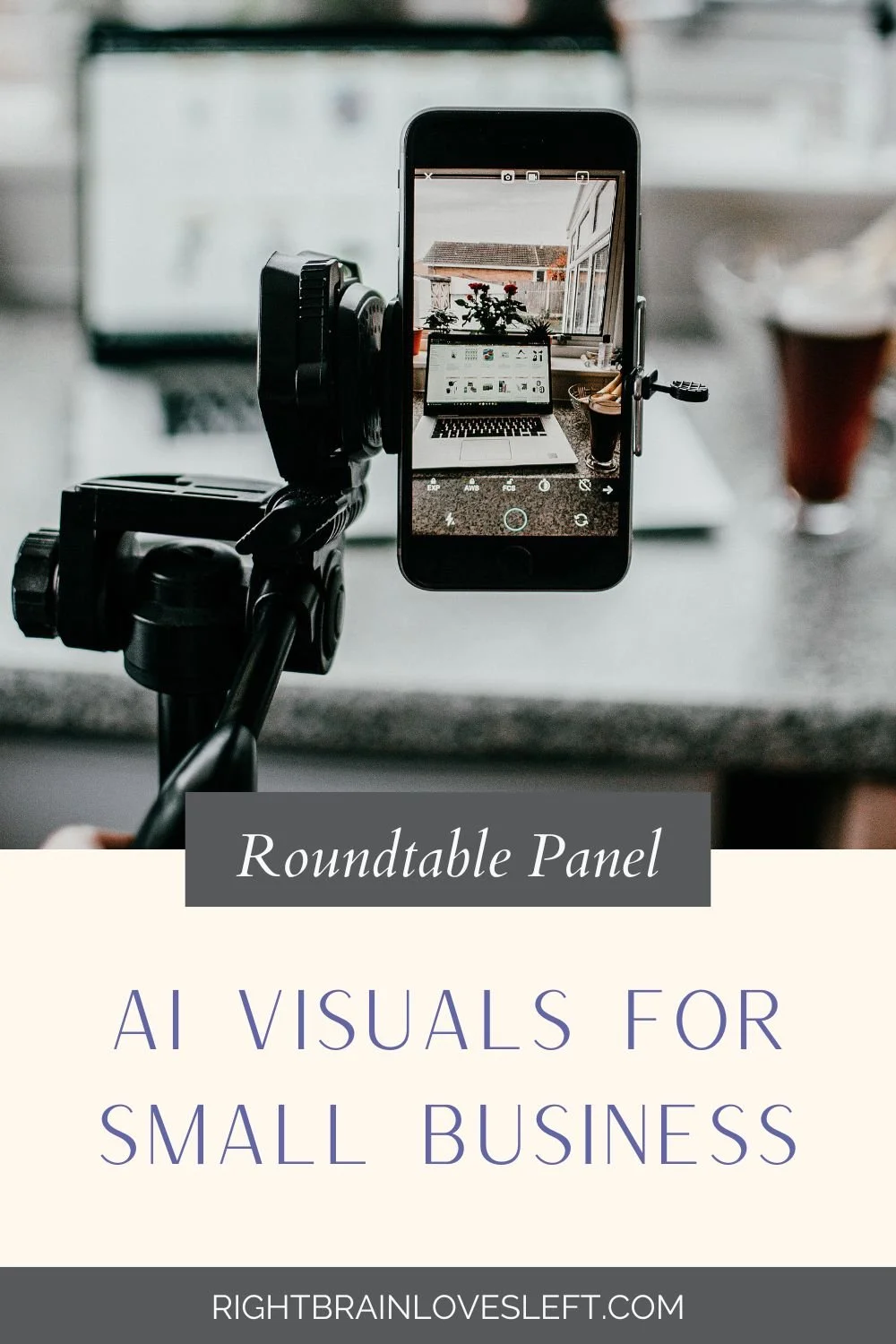
Last week, I hosted a live roundtable panel about AI visuals for small business. It was me and three guests, an attorney, a brand photographer, and a decorative artist, and the plan was a practical hour on what these tools do for a business like yours and where they get tricky. About eleven minutes in, my camera went dark.
Then the backup camera went dark too, and there I was hosting a whole conversation about AI visuals with no face on the screen. So we kept going on audio, and the hour held together just fine.
There's something kind of perfect about that. We had gathered to talk about polish, AI images, AI video, the avatars that can talk for you, and what carried the hour was four people being honest with each other in real time. That's the tug-of-war I want to walk through with you, the polish these tools can give you on one side, and the trust that still only comes from you on the other. The full replay is below, and below I've pulled out the parts worth keeping.
Who owns it, and when to say it's AI
Start from the assumption that anything made entirely by AI is not yours to own. The more of you that goes into it, the more of it you can protect, so taking a photo you already own and adjusting the background or the angle keeps you on solid ground. Typing a description and accepting whatever comes back does not. How you use it matters too. A post on your own feed is low stakes, paid ads raise the bar, and handing a client a deliverable they expect to own is where it gets real.
Disclosure runs along the same line. Platforms already flag AI content, and saying made with AI is usually the safer choice and the friendlier one, because the same honesty that keeps you out of trouble is what keeps people trusting you. The place it turns into a real problem is showing something fake as if it were real, an AI room you never decorated or an AI client who never existed. The honest version is just as compelling, and it's a small shift in words. This is an example of what your space could look like.
What AI can't replace
I asked our brand photographer what AI can't touch, and her answer was simple. The real human behind the brand. The eyes, the smile, the expression people recognize as you. Run your photo through a generator that reshapes your face and you lose the thing that makes someone think "oh, that's her." The same caution goes for what AI tells you, not just what it shows. These tools want to please you, so they'll hand you a confident answer even when it's invented. I once got a statistic so tidy it made my point for me, right up until I checked and found it didn't exist. The tool does the lifting, and you keep the judgment. I call that human-centered AI.
When to use AI visuals, and when to reach for the real thing
Reach for AI when:
You need a quick, on-brand image to carry a story a stock site will never have.
You want to refresh photos you already own, a new background, a seasonal look, a different angle.
You're making volume, like social posts or training clips, and staying consistent matters more than one perfect shot.
The sweet spot is using AI to build on something real you already made.
Reach for the real thing when:
The moment depends on a true human expression, the connection that builds trust.
You're showing a client result or anything an audience will read as proof.
You need to fully own the final work, like a logo or a client deliverable.
When trust or ownership is on the line, start with the real thing and let AI help from there.
Getting started with AI visuals
You don't need a whole system to begin, you just need one small win to build from.
Pick one tool and one job. Open ChatGPT or Canva and give it a single task this week, one image in your brand colors. Trying to learn all of it at once is how people quit.
Begin from something real. Start with a photo you own or work you made, then let AI extend it. You keep more ownership and you keep your look.
Treat the first result as a draft. Tell the tool what missed and ask again, or ask it to improve your prompt for you.
Add a line of disclosure where it counts. On paid ads and client work, a plain "made with AI" protects the trust and protects you.
A few quick questions
What are AI visuals for a small business?
AI visuals are images, short videos, and speaking avatars made with AI tools and used in your marketing. Small businesses use them to make on-brand graphics, refresh existing photos, and stay consistent without a big team or budget.
Do I own images I make with AI?
Usually not, if the image was made entirely by AI, since ownership leans on real human input. The more you build on work you already own, the more of the result you can protect.
Do I have to say an image is AI?
It depends on how you use it. Many platforms flag AI content on their own, and disclosure is the safer, more trustworthy choice. When in doubt, say so.
Which tool should I start with?
ChatGPT and Canva are the easiest entry points, since most owners already use one of them. Test more than one, because the same prompt gives you different results in each.
Will AI replace brand photography?
No. AI can refresh and extend your photos, but it can't replace a real human expression, the face your audience recognizes as you. The strongest approach starts with real images of you.
Come to the next roundtable
My camera came back on after we wrapped, but the part that mattered, four people talking straight about what these tools can and can't do, never needed it. If that's the kind of room you like being in, I host a free roundtable panel like this every couple of months, and you're welcome at the next one. Come bring your questions.
Prefer it in your inbox? Join the newsletter and I'll send the next one your way.